 Vault
VaultVault keeps a local encrypted library on each iPhone or Mac. Encryption protects stored data; recovery depends on the copies and codes you keep. Viewing controls do not give a sender permanent control over content another person can see.
What is encrypted
File contents are stored as authenticated encrypted objects. Persistent filenames, folder relationships, types and dates are kept in a separately encrypted catalog, while payload filenames use opaque identifiers. Filename search runs inside the open vault and does not register private names with Spotlight.
Vault uses Apple’s encryption frameworks. File content uses Apple Encrypted Archive, and the catalog uses CryptoKit AES-GCM with purpose-derived keys. Export checks authentication, expected length and a stored digest before publishing the result. This describes the implementation; it is not an independent security-audit or certification claim.
Where keys live
Each device keeps its vault key in Apple Keychain using device-only, non-synchronizing storage. The iPhone key requires a device passcode. Mac uses the data-protection Keychain. Keys are not an account password and do not automatically move to another device.
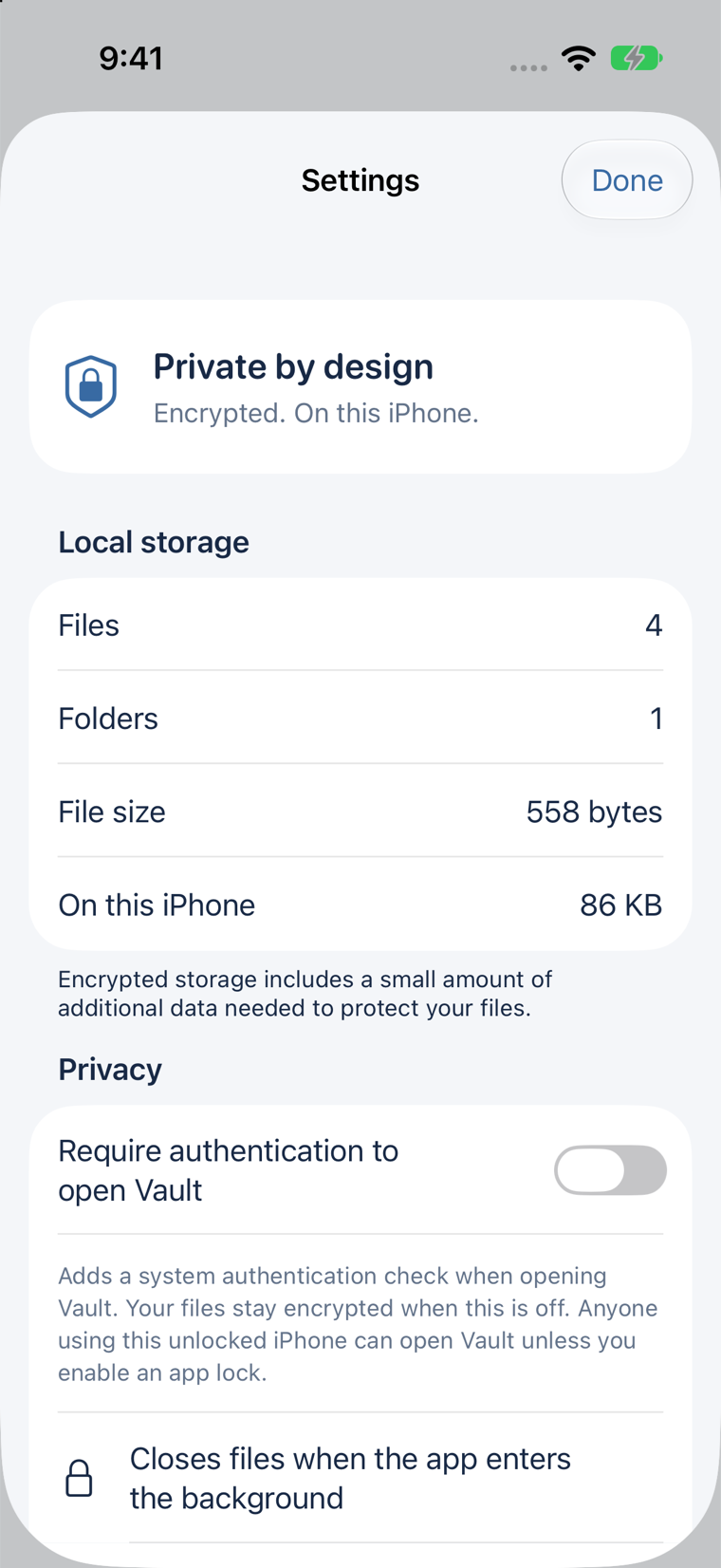
Require authentication to open Vault adds system user-presence authentication to that key. It starts off for a new vault and remains enabled for an existing protected vault. With it off, anyone using the unlocked device can open Vault. With it on, anyone who can satisfy the device’s system authentication can open it.
There is no Vault password reset. A missing device key can make the local library inaccessible. Keep a verified backup and its recovery code separately.
What happens while you use a file
The main library may create temporary unencrypted files when a native preview or export needs them. Vault removes its staging files as flows complete or are cancelled, on lock and on a later startup. Exporting intentionally creates a persistent unencrypted copy at the destination you choose.
Cleanup is not forensic secure erasure from flash storage. Operating systems, destination apps and services may retain their own copies, and system frameworks do not guarantee immediate overwriting of every historical memory allocation.
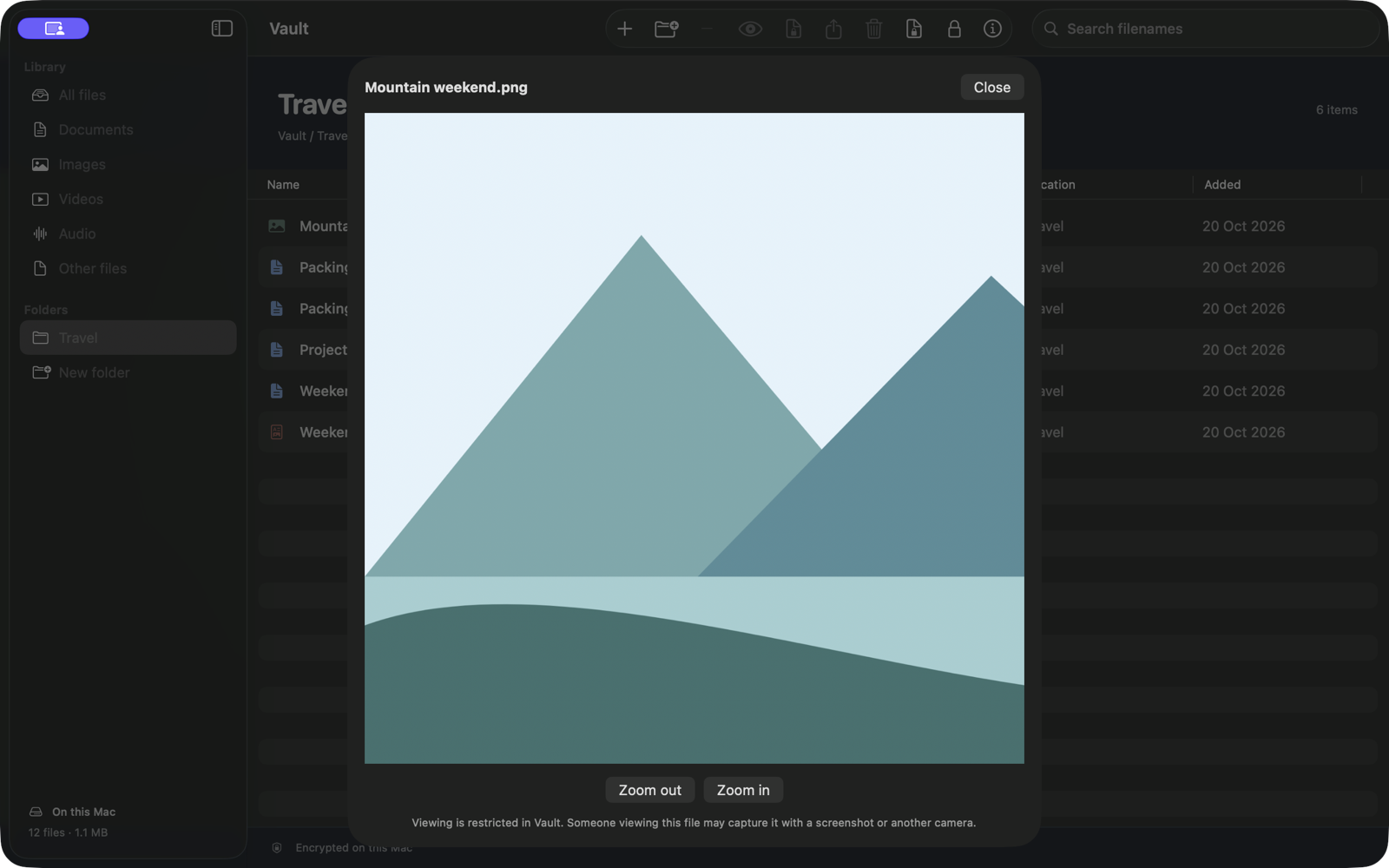
On iPhone, Vault covers its interface while inactive and closes the library when it enters the background. On Mac, it conceals its window when another app becomes active and locks on manual close, session change or sleep. None of these controls guarantees that a screenshot, screen recording or another camera cannot capture visible content.
Files outside Vault
- Import makes a copy and does not hide or delete the source in Photos, Files, Finder or another app.
- Export a copy creates an ordinary unencrypted file outside Vault’s protection.
- A
.vaultbackupis encrypted, but anyone with it and its recovery code can recover the snapshot. - A
.vaultshareencrypts content, while its external header exposes the original filename, type and size.
What encrypted sharing can and cannot do
Received files live in a separate encrypted store. Vault disables export, print, copy and reshare controls for those local received copies, and remembers their content keys only on that device.
The original package remains portable. Anyone with the original package and code can open it in another Vault installation. There is no screenshot guarantee, remote revocation, expiry or view-once rule.
Backups are explicit snapshots
Vault’s library and received store are excluded from automatic device backup. Use Encrypted backup to create a portable snapshot of your own library, save it outside the source device and check that saved copy with its separate code. Received files and remembered keys are excluded; retain their original packages and codes.
Is Vault right for this job?
Vault fits a local file library, deliberate recovery snapshots and selected encrypted-package sharing. Choose another workflow if you need automatic device sync, team administration, cloud recovery, remote revocation, strict expiry or guaranteed screenshot prevention.