 Vault
VaultPrepare one supported file as an encrypted .vaultshare package, send its random code separately and open the received copy in Vault. This is manual sharing; it does not connect two vaults for synchronization.
Supported files
Sharing supports PNG, JPEG, HEIC, PDF and UTF-8 text, with a 20 MiB file-content limit. Text is limited to 1 MiB and PDFs to 200 pages; image and page geometry limits also apply. The main library can store other regular file types even when the restricted viewer cannot open them.
Prepare and send a package
Choose Share encrypted copy
Open your own file’s action menu on iPhone and choose Share encrypted copy…. On Mac, select a file and use the toolbar or context-menu action.
Save the full unlock code
The Shared files sheet shows a newly generated code. Copy or record it somewhere safe, then turn on I saved or sent the code separately.
Send or save the encrypted file
Choose Share encrypted file… or Save encrypted file…. Complete the operation before leaving the screen. Locking Vault clears the displayed code.
Communicate the code separately
Use another chosen channel. Vault cannot recover the generated code later; a newly prepared package has a different code.
The package header exposes the original filename, file type and size. Use a neutral display name when those details are sensitive.
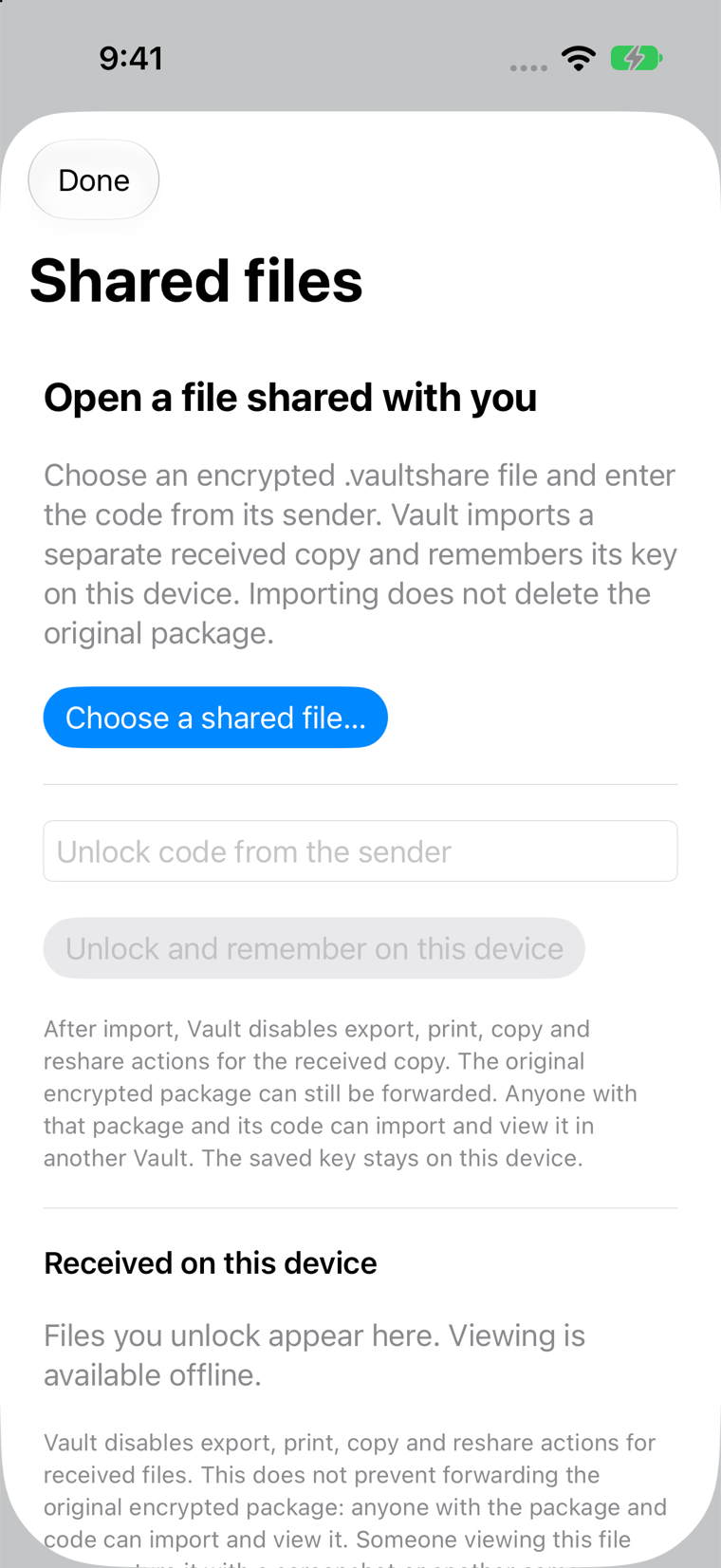
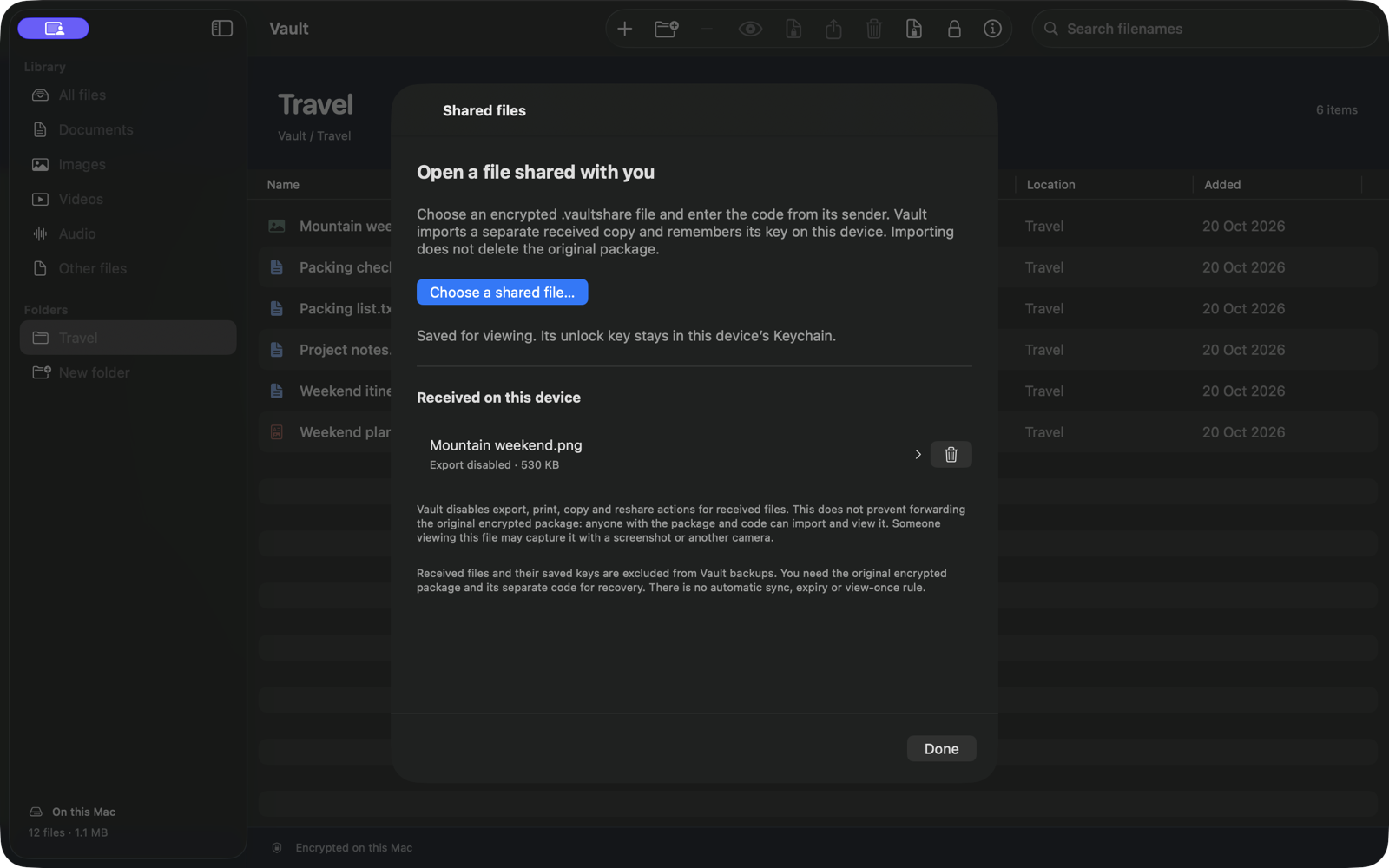
Open a file shared with you
Open Shared files
Choose Choose a shared file… and select the
.vaultsharepackage, or use the operating system’s Open in Vault action when available.Enter the sender’s complete code
Choose Unlock and remember on this device. Vault verifies the package, stores a separate encrypted received copy and remembers its content key on this device.
View it under Received on this device
Reopen it offline without entering the code again while the remembered key remains available. Importing leaves the selected original package intact.
Understand the limits before sending
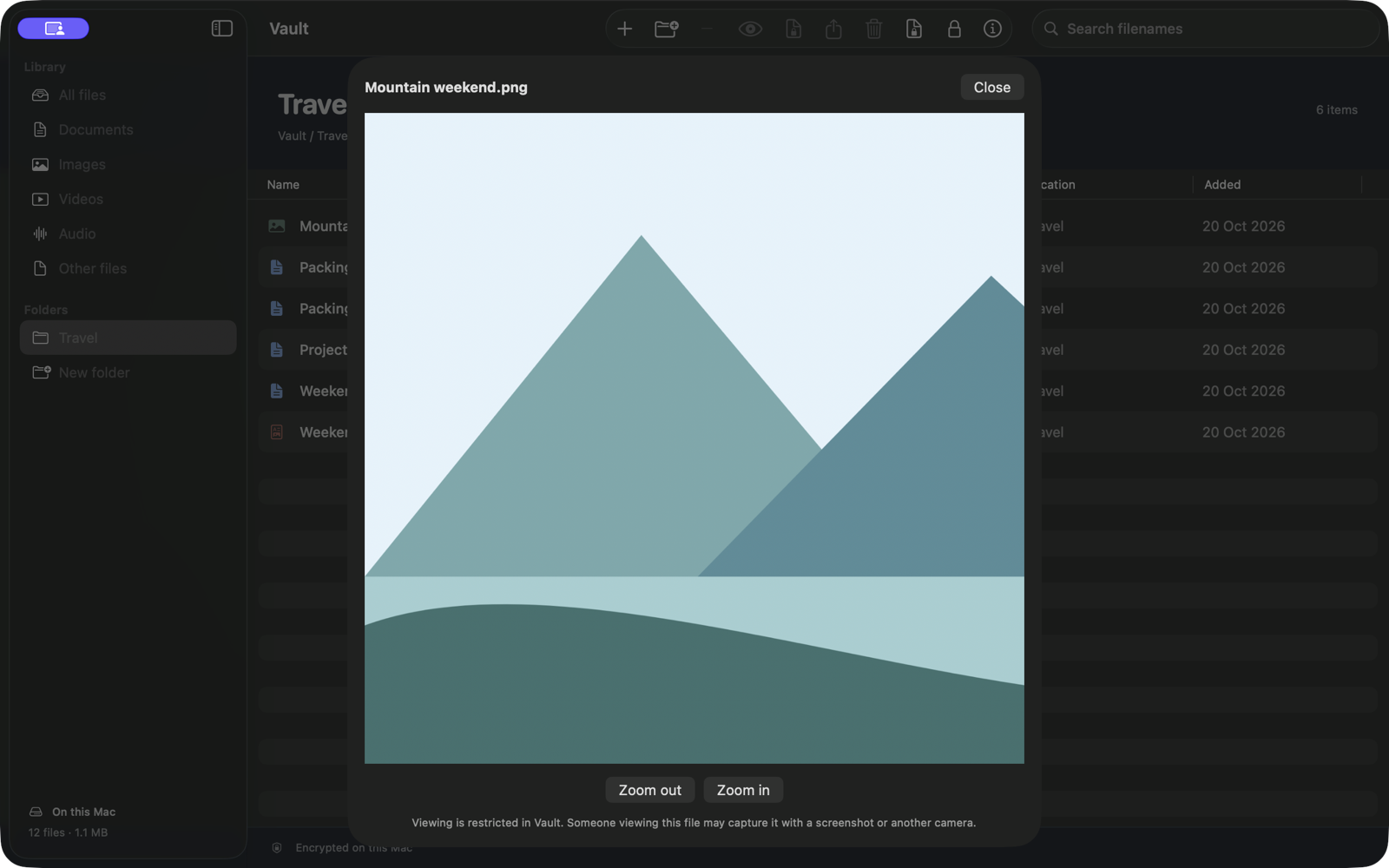
Received items do not become ordinary files in the main library. Their viewer omits Export, Print, Copy and Reshare actions. On iPhone, active recording or mirroring reported by the operating system can replace the content with a capture warning.
The sender does not gain permanent control. The original package can be copied or forwarded. Anyone with the package and code can open it elsewhere. Screenshots, another camera and transcription remain possible. There is no remote revocation, expiry or view-once rule.
Remove or recover a received file
Use the trash button beside a received item and confirm Remove from this device. Vault removes its local received copy and remembered key. External copies remain.
Received files and remembered keys are excluded from portable backups. Keep the original package and its code if you need recovery or want to open it on another device.
If the file will not open
- Check that the complete code belongs to this exact package.
- Ask the sender for the complete original package if verification fails.
- Renaming an extension does not convert unsupported content.
- If the remembered key is missing, reopen the original package with its original code.
- Look in Shared files rather than the main library or a restored backup.
- On iPhone, stop active recording or mirroring if the capture notice appears.